Your files stay here
No uploads or account needed.
Processed directly in your browser.
 Paper Switch
Render SVG artwork into PNG at 1, 2 or 3 times its dimensions. The sample below shows the pixel-size and file-size tradeoff; transparent areas become white.
Useful tools for your images and QR codes.
Turn text or a link into a QR code. Add your color and logo.
Create QRREADUpload a QR image to extract and copy its contents.
Read QRChange pixel dimensions, with optional aspect ratio lock.
Edit imageRemove a solid background color and save as transparent PNG.
Edit imageProcessed on your device
No uploads or account needed.
Processed directly in your browser.
Preserve original vectors where possible.
Scanned images remain images.
The whole document or selected pages.
Download right after conversion.
Complex SVG filters, CSS and external fonts may look different. External images and scripts are not supported. Check important documents after conversion. PDF text may become paths; links, forms and animation are not preserved.
Password-protected PDFs are not supported. Limits: 20 files, 50 MB each, 100 MB total, and 100 pages per PDF. Complex files may take longer.
WEBP is an image format: selectable text and vector editing are not preserved. WEBP to PDF creates one PDF per image. Transparency becomes white; animation uses the first frame.
PDF to TXT combines selected pages into one UTF-8 file. Pages without text use OCR in the selected language, which takes longer and may misread small text or handwriting. TXT to PDF wraps UTF-8 text on A4 (200,000 characters, 100 pages). TIFF output is uncompressed and can be large; multipage TIFF becomes one multipage PDF.
External SVG images and scripts are rejected. Complex filters and unavailable fonts may render differently.
Selected files are processed in your browser. Download the results before closing this page.
SVG files can depend on fonts, filters or external resources. External images and scripts are rejected, and unsupported styles or missing fonts may change the result. Compare it with the original before using it.
These image conversion tools flatten transparent areas onto a white background. Check logos and cut-out images after conversion, and keep the original when transparency is important.
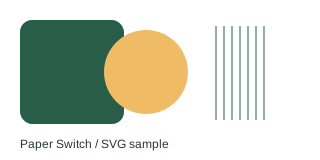
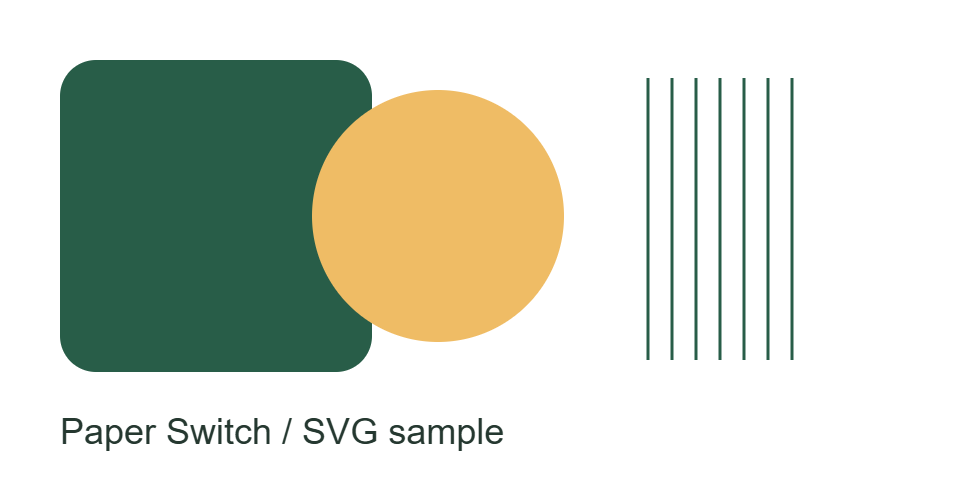
This 320 by 160 SVG contains shapes, thin lines and text. The files below were made with this converter at scale 1 and scale 3 in Chrome. Download the source and both outputs to compare them in your own viewer.
Measured output sizes for this sample only; browser fonts and encoding can change the result.
At scale 3, width and height are each tripled, so there are nine times as many pixels. This renders SVG shapes at a larger size; it does not recover detail from a small photo embedded in the SVG. PNG file size is not proportional to the pixel count.
The transparent margin becomes white in both PNGs. Keep the SVG if you need an editable vector original. For a different file format, use SVG to JPG or SVG to PDF; these have different quality and editing limits.
Export with explicit width and height or a valid viewBox. Embed image resources and convert text to paths in your drawing app if font substitution matters. This tool rejects scripts, external images and embedded HTML; adding a higher scale does not fix those input problems.
Up to 20 files, 50 MB per file and 100 MB total input. Total output is limited to 150 MB. Large image decoding also depends on device memory.