Free Image Compressor

Compress images to a target KB size in your browser.

PNG, JPG or WEBP · Up to 10 MB

Image Compressor

1 KB = 1,000 bytes. PNG reduces size by resizing; JPG and WEBP can also reduce quality.

Original

Result

Choose an image, set a target size and compress.

  1. Choose an image, set a target size and compress.

Output and limitations

JPG output uses a white background. PNG and WEBP keep transparency. Animated images use one frame. Smaller dimensions may be needed to reach your target.

Selected files are processed in your browser. Download the results before closing this page.

Prepare photos for upload limits such as 100 KB or 200 KB. Compare the result before saving; compression may reduce detail.

Choose settings for your task

An upload has a size limit

Check the accepted formats first. For a 500 KB limit, try a 450 KB target to leave room for different size calculations. Keep resizing off at first; if the target cannot be reached at acceptable quality, increase the target or allow smaller dimensions.
A logo or screenshot must stay clear

Try PNG and keep resizing off when sharp text or transparency matters. PNG does not use the JPG quality adjustment, so it may remain above your target. For photos, compare JPG and WEBP; confirm that the receiving website accepts WEBP. JPG makes transparent areas white.

Check the downloaded image

Open the downloaded file at its actual size. Inspect small text, edges and faces, then check its pixel dimensions and file size. The preview fits the screen and can hide lost detail. A smaller file is not a better result if it is unreadable.

A real conversion example

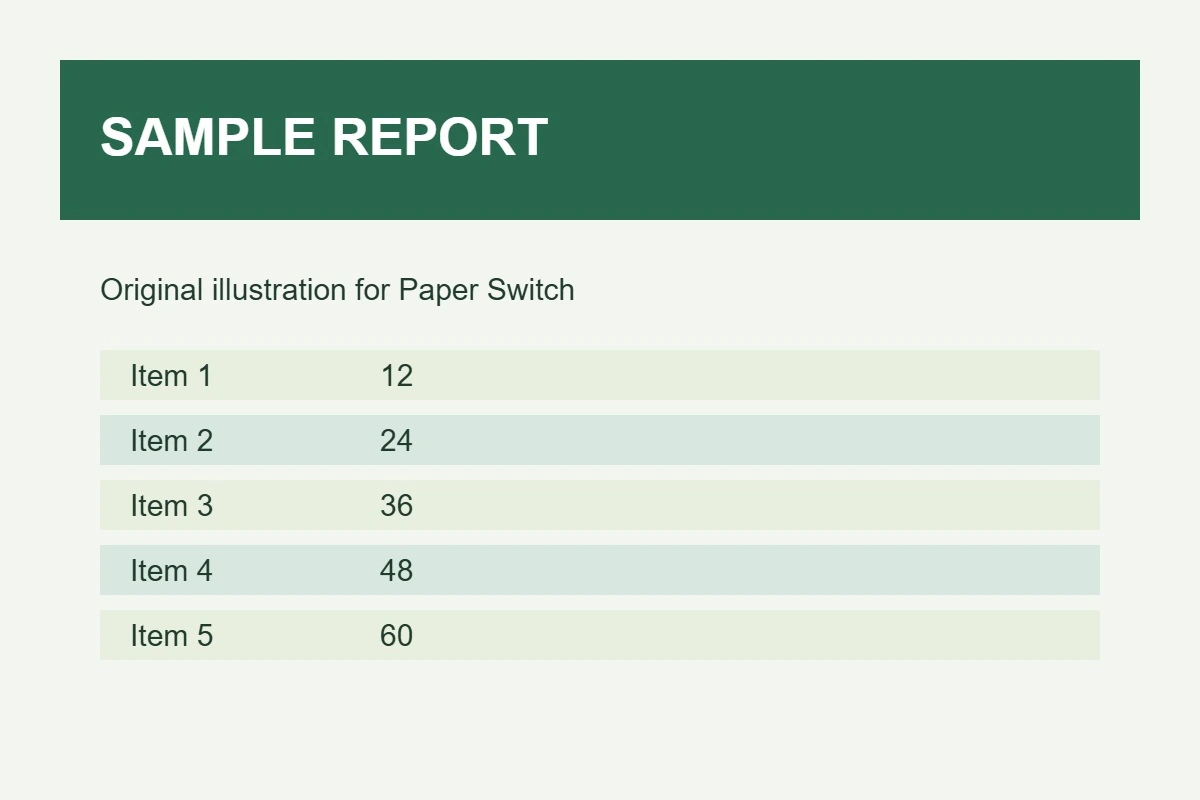
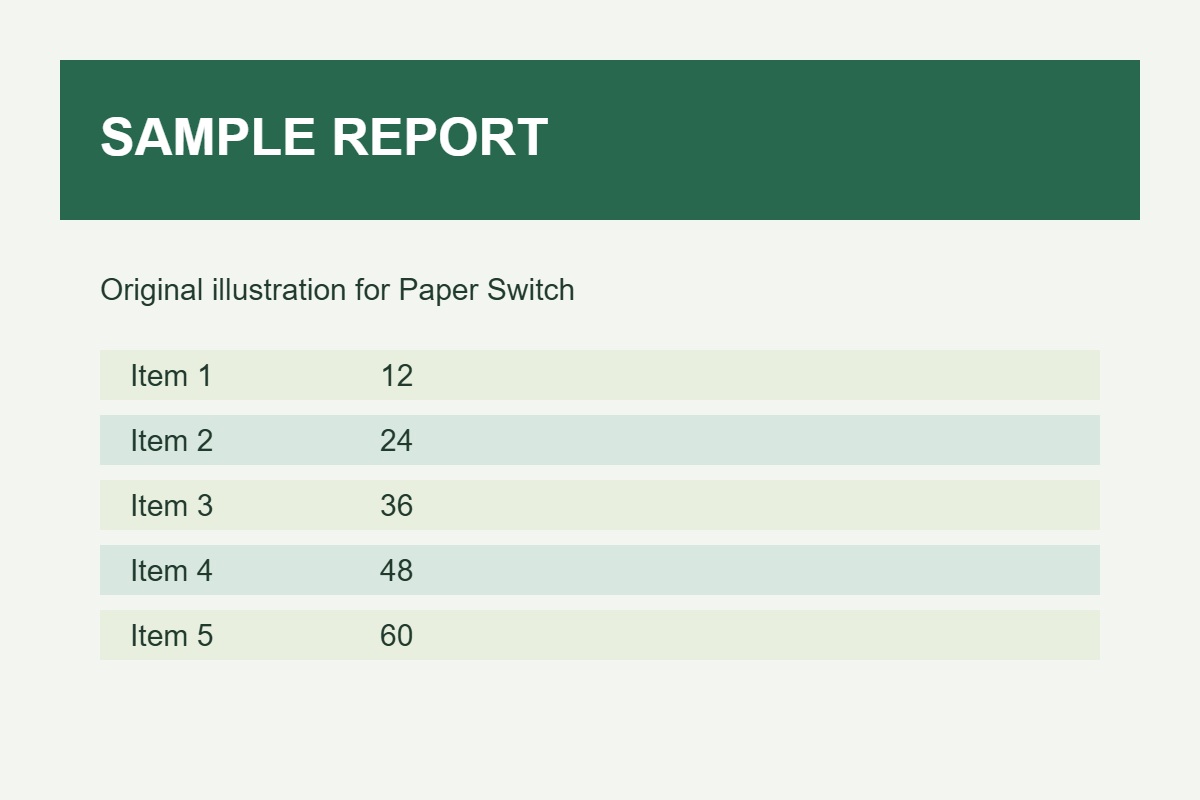
We used the same 1200 × 800 sample report, chose WEBP and a 30 KB target, and disabled smaller dimensions. This comparison changes the encoding, not the pixel dimensions. Review fine text before using the result.

Download sample result

Original: 53.9 KB, Result: 21.5 KB

These measurements are from one test file, not a promised result for every file. Sizes use 1 KB = 1,000 bytes.

Choose settings for your task

Choose JPG when the receiving service requires it, WEBP when it accepts modern image formats, and PNG for transparency or crisp flat graphics. Start with dimension reduction disabled; only allow smaller dimensions if the target cannot be met and the result is still readable.

If the result is not what you expected

Target size is not guaranteed. JPG and WEBP compression can lose detail, while PNG size reduction here relies on smaller dimensions. If faces, edges or small text look damaged, raise the target size and start again from the original, not a previously compressed copy.